£21.00

£31.50
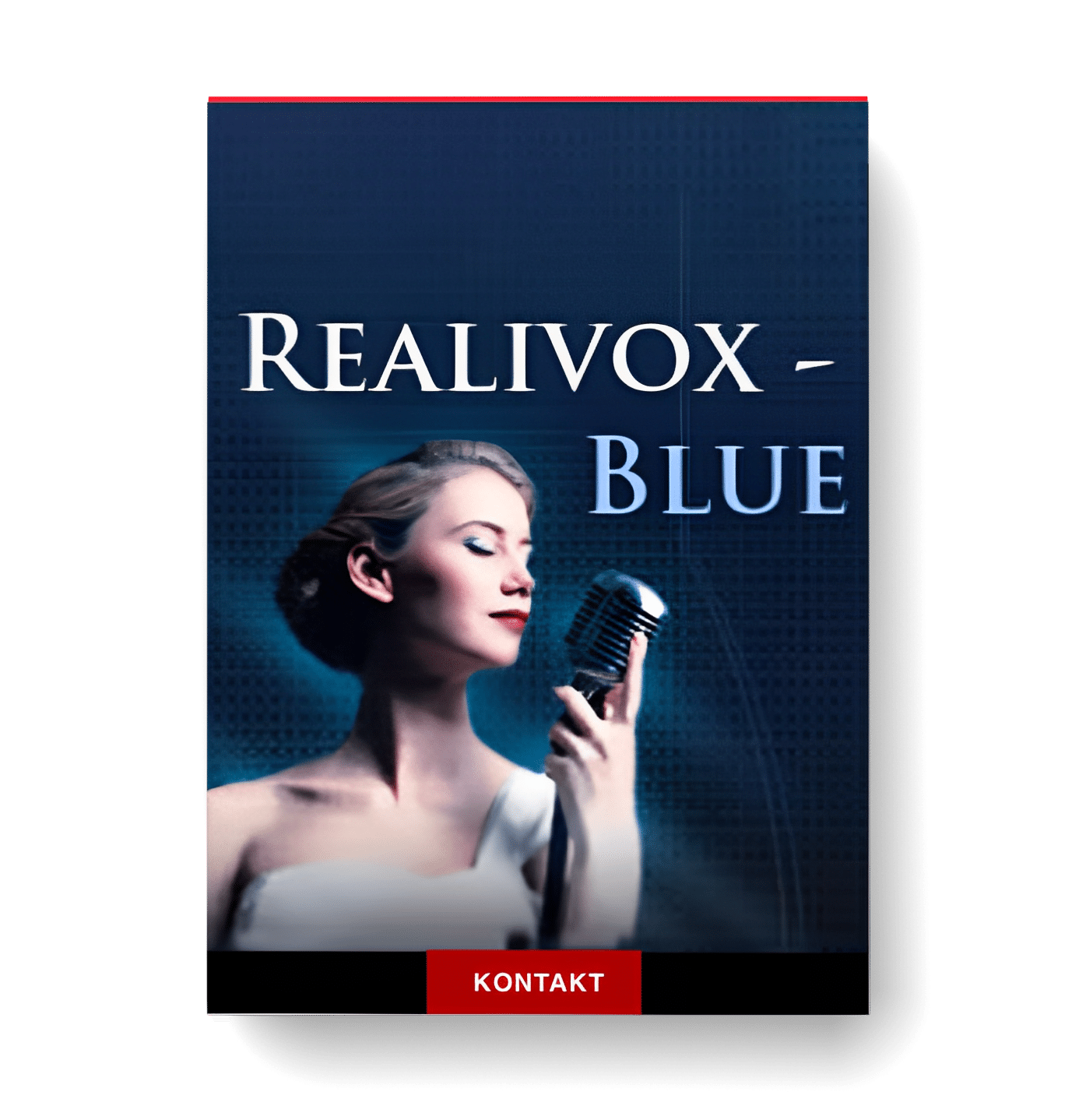
Discover RealiTone RealiVox Blue
You Must Purchase Kontakt Pro From Us To Install & Use This Library In Full Version Click Here
Explore product features & full description

FEATURES:
WORDBUILDER:
Six vowels and 23 consonants give you the tools to create your own words and phrases.** But we went deeper than just sampling a bunch of vowels and consonants. Way deeper. Consider these elements:
An “s” singing into an “ee” sounds different from an “s” singing into an “oo.” (Try it yourself. Listen to how your own “s” will sound different, depending on the vowel.) So each consonant was recorded separately going in and out of each vowel. There are two and a half octaves of “k” samples (32 samples) that go into “ah.” Another 32 of “k” into “eh.” And so on. For each consonant, that’s six sets for each vowel.
When we recorded the ending consonants (completely separate samples), we noticed that it doesn’t sound quite right if you just slap an end consonant sample onto the end of a vowel sample. A singer’s mouth closes differently, depending on which consonant they’re going to. So we sampled not only 192 ending “t” consonants (6 vowels times 32 samples per vowel), but we also recorded the closing vowel sounds leading into each consonant. For ah. And for eh. And ee. And oh. And oo. And uh.
So when you play “Peace,” you’ll be triggering four samples altogether. First is the “p” sample that specifically with “e.” Then you won’t hear just any “ee,” but you’ll actually get the “ee” that comes after “p.” (Your ear would know if we tried to cheat and use a regular “ee” instead.) Then you’ll hear a few milliseconds of a closing “ee” that would lead into “s.” And then finally, the “s”. A closing “s” that specifically goes with an “ee” vowel..
This is why Realivox Blue is 12,000 samples. No other vocal library that we know of has gone this deep in the quest for realistic vocal performances.
TRUE SAMPLED LEGATO:
We sampled legato intervals for all six vowels, as well as for “mm.” (We find humming to be a particularly useful articulation.) Not just the six/seven vowels, but also the special transitions betweem say, oo to ee. When you sing from oo, to ee, there will be a “w” in the transition. (Try it yourself and you’ll hear what I mean.) So we have “oowee” legato samples. And “oowah.” And “ooweh.” And “eeyoh.” And on and on.
Then we spent months editing and balancing to get the legato as smooth as we could make it.
POLYPHONIC LEGATO:
We believe this is the simplest and most intuitive polyphonic legato there is. There’s only one knob, and you’ll probably never even touch it. You just play. Check out the videos to see how easy it is.
ENSEMBLE MODE:
Whether you want to thicken her a bit, or whether you want to create an ensemble sound, simply turn on Voice 2 and Voice 3 and you’re in business. No need to open a second or third track for doubles or triples. We make it easy.
There are volume, pan, tuning and timbre settings, as well as delay offset, if you don’t want the singers too perfectly in sync..
USER DEMO:
KONTAKT OR KONTAKT PLAYER – YOU'RE COVERED EITHER WAY
Do you have the full version of Kontakt? Then we pass the savings on to you.
Or if you don’t feel like spending $399 on Kontakt, no problem. We pay a license fee to Native Instruments so that you can use Realivox Blue in the free Kontakt Player. And we actually charge you less than what we pay them. ‘Cause we’re cool like dat!
Realivox Blue (and Kontakt) works on PC or Mac.
An internet connection is required for the activation process.
Audio formats: VST, AU, RTAS, AAX

Compatibility checklist
- Confirm the supplied build, operating system and required host before ordering.
Requirements vary by supplied version. Confirm your setup with support before purchasing.
Delivery & activation
- Complete your purchaseReview compatibility and purchase details.
- Download your filesAccess available downloads through your order and account.
- Follow the included setup guideContact GetPlugins if you need installation help.
Activation, where included, is provided by GetPlugins. Publisher-account registration, transferable publisher keys and a publisher-issued licence are not included. Read the activation policy.
Frequently asked questions
How do I receive my download?
After payment, access available files from your order details and GetPlugins account. Contact support if a download is missing.
What activation is included?
Follow the activation instructions supplied with your download. Activation is provided by GetPlugins. Confirm device allowances and reinstall arrangements before ordering.
Will this work with my computer and DAW?
Check the compatibility information for this listing and ask us to confirm the exact supplied build. Libraries may require a compatible sampler or additional software.
What if I need installation help?
Email support@getplugins.io with your order number, operating system, DAW and any error message.
Which updates are included?
Activation and updates are separate. Confirm the available version and update arrangements before ordering; do not assume access to future publisher releases.
How do I request a refund?
Contact support with your order number and issue details. Read our Refund Policy for eligibility and the request process.




Reviews
There are no reviews yet.